Zelyft
Minimal Android Launcher
Your home screen, designed for you.
Scroll
Minimal Android Launcher
Your home screen, designed for you.
What is Zelyft Launcher
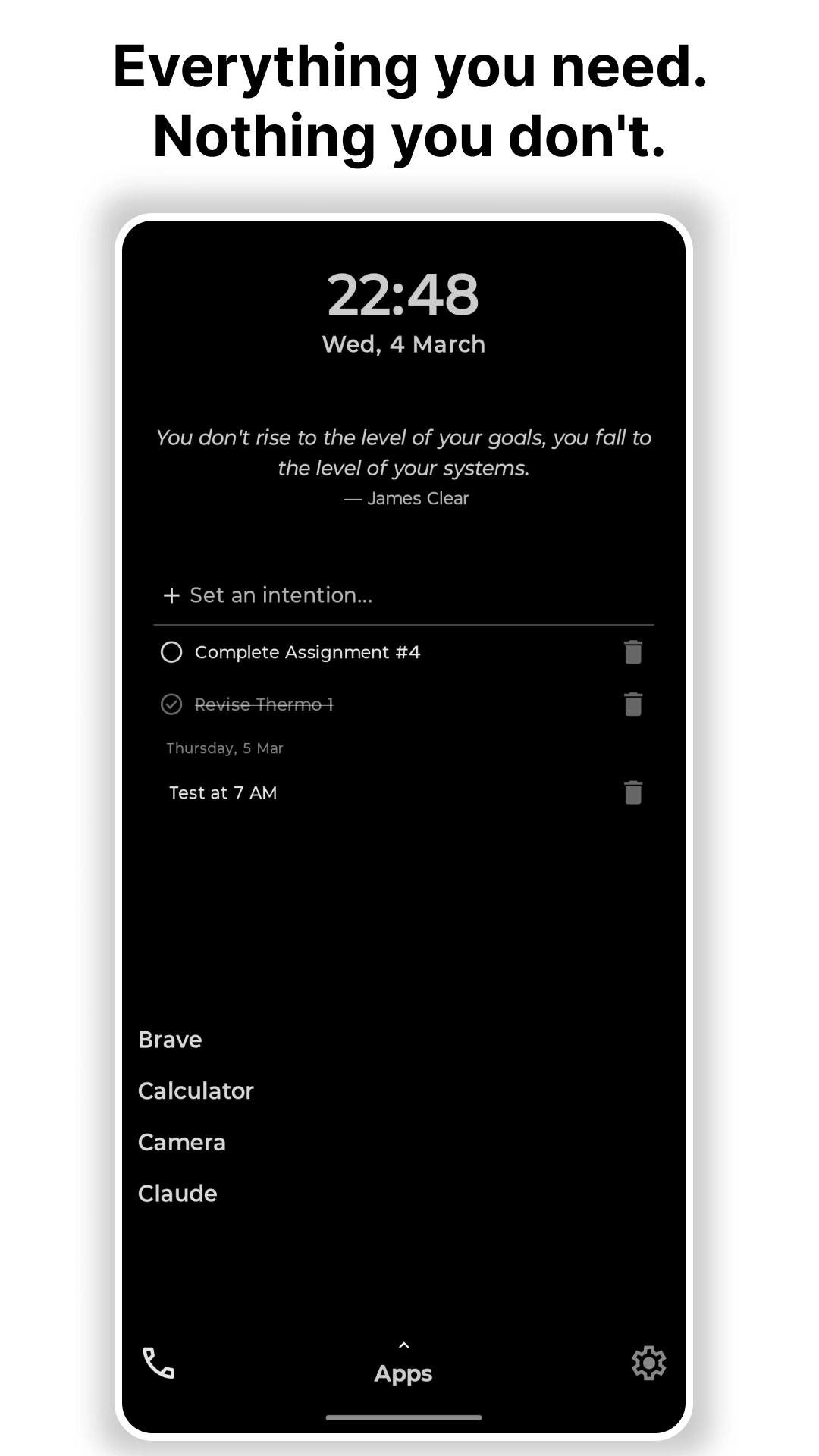
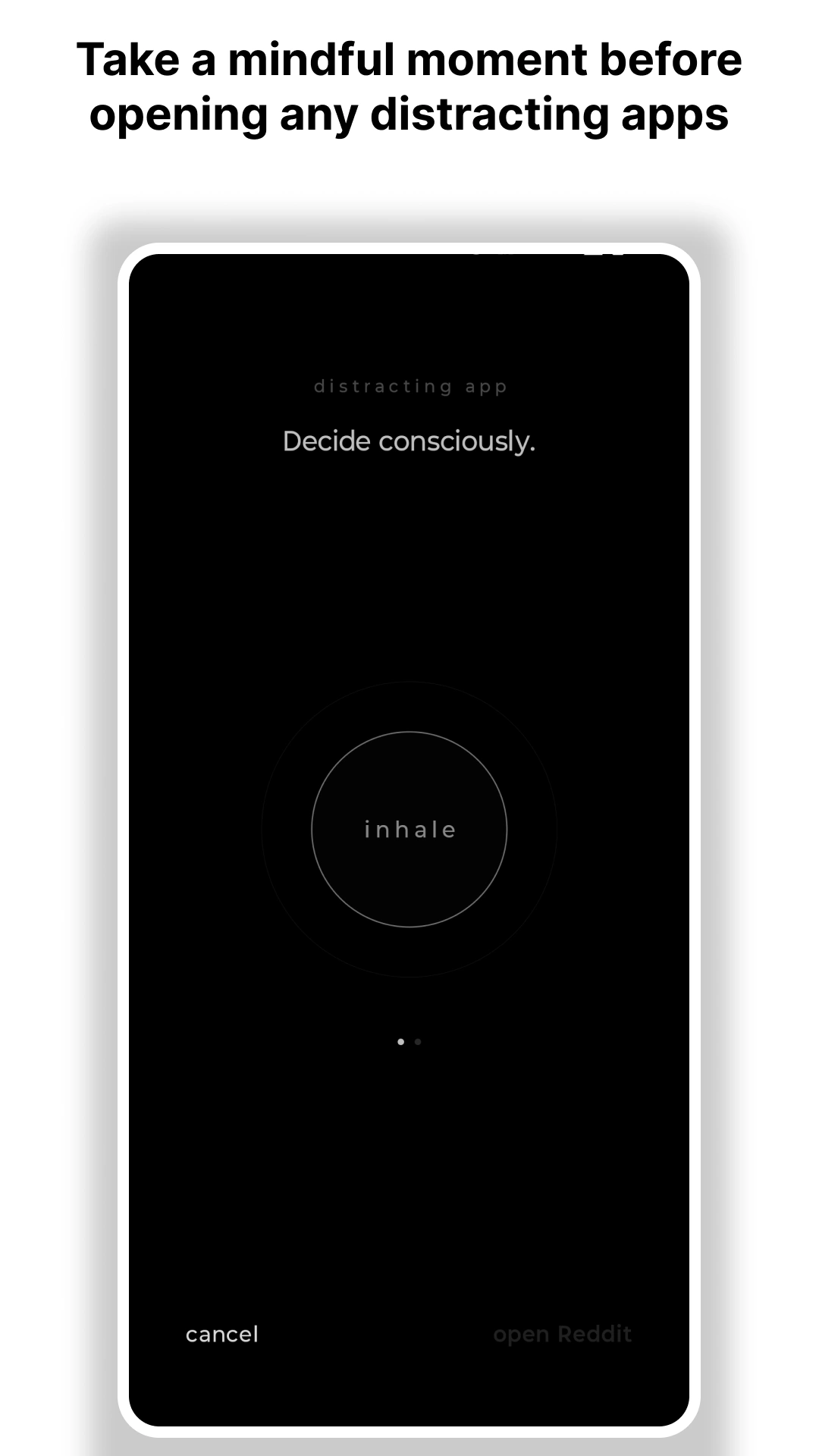
Zelyft is a free minimal productivity launcher built for people who want control over their phone. Unlike other minimal launchers, Zelyft combines a text-only home screen with built-in productivity widgets - task manager, time progress bars, and quotes - all completely free with no paywall. It requests zero Android permissions, collects zero data, and has no ads or tracking of any kind. The standout feature is intentional friction: flagging a distracting app triggers a 22-second breathing session before it opens, breaking the autopilot habit loop behind phone addiction. Zelyft is built for students, working professionals, and anyone pursuing digital detox who still needs their phone to be genuinely useful.
0
Permissions
0
Tracking
100%
Intentional
∞
Focus
"Your phone's default environment was designed by people with different interests than yours. We designed ours for you."
— Zelyft
Conscious Delay
22s Biological Intervention
Feature 01
Doom-scrolling happens in the gaps of our awareness. Zelyft fills those gaps with intentional friction.
When opening a distracting app, Zelyft guides you through 22 seconds of conscious breathing. Two sessions to break the autopilot and remind you why you picked up the phone.
Feature 02
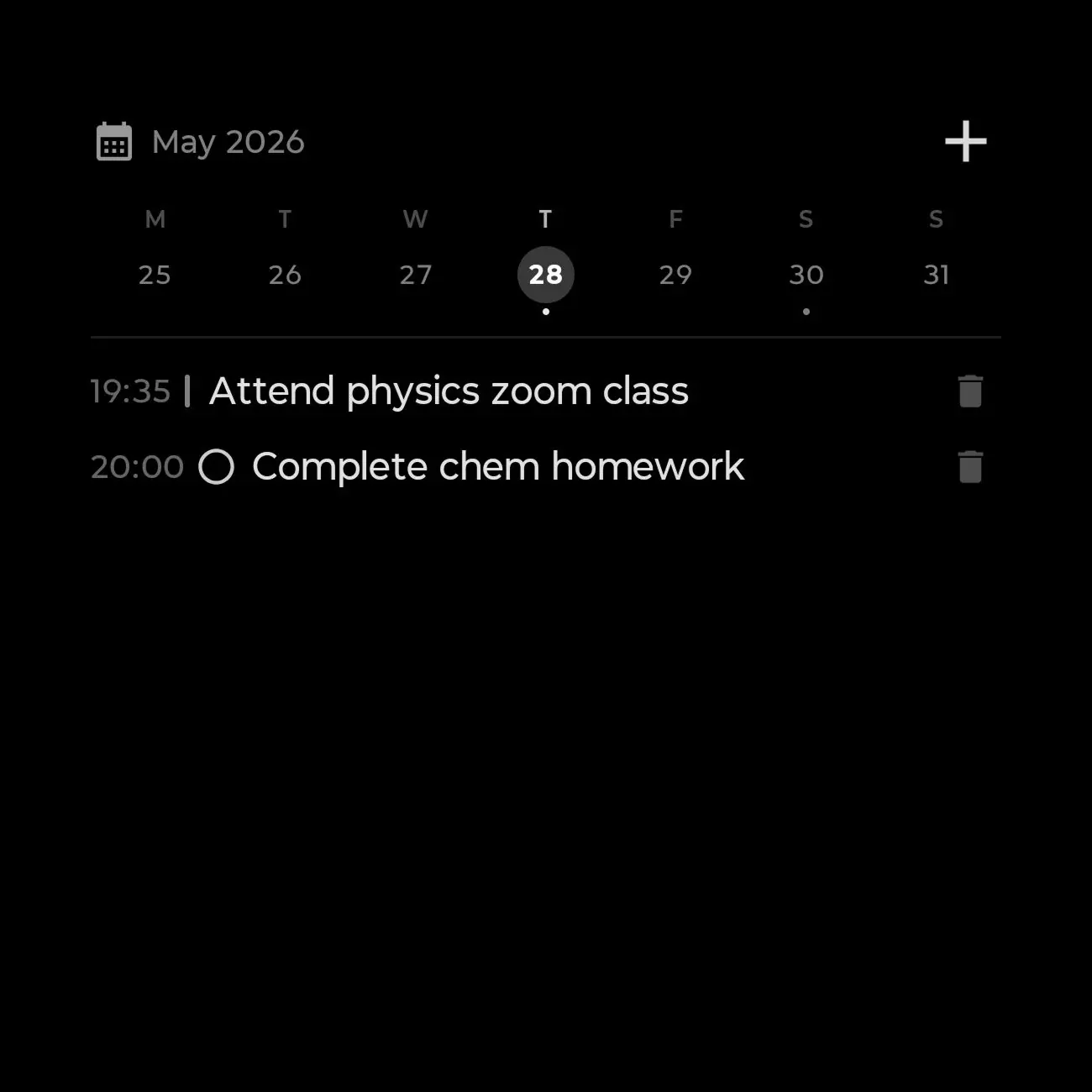
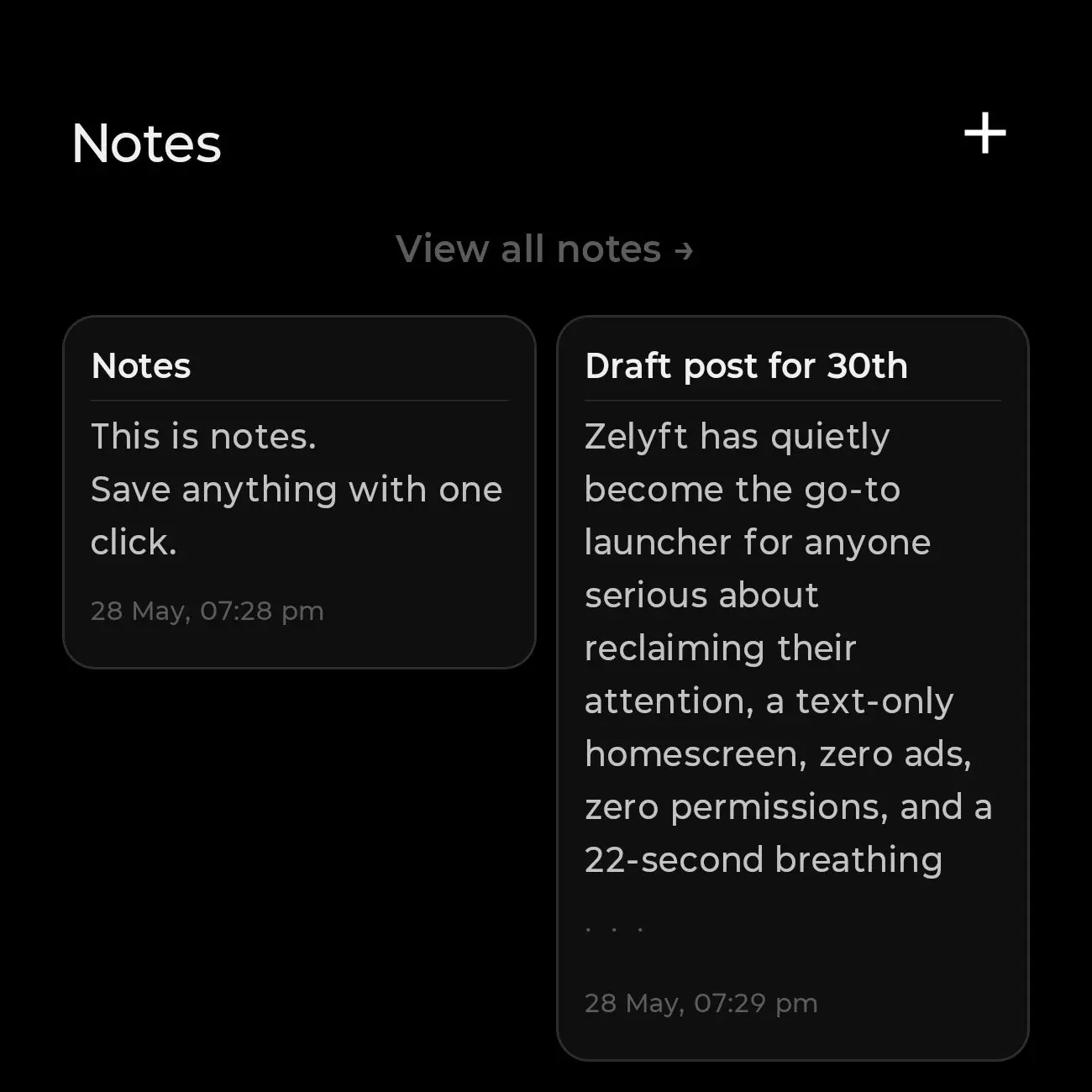
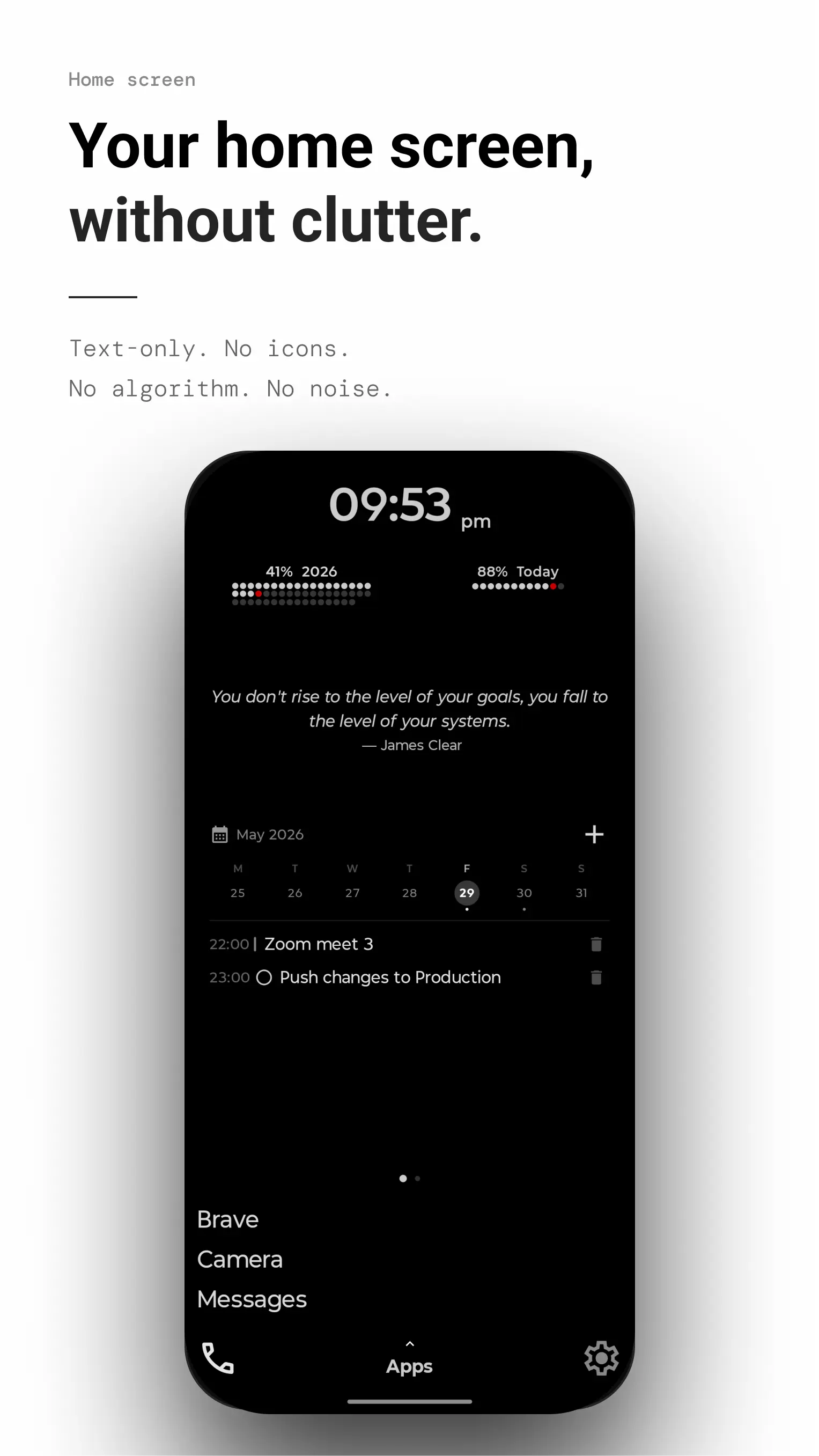
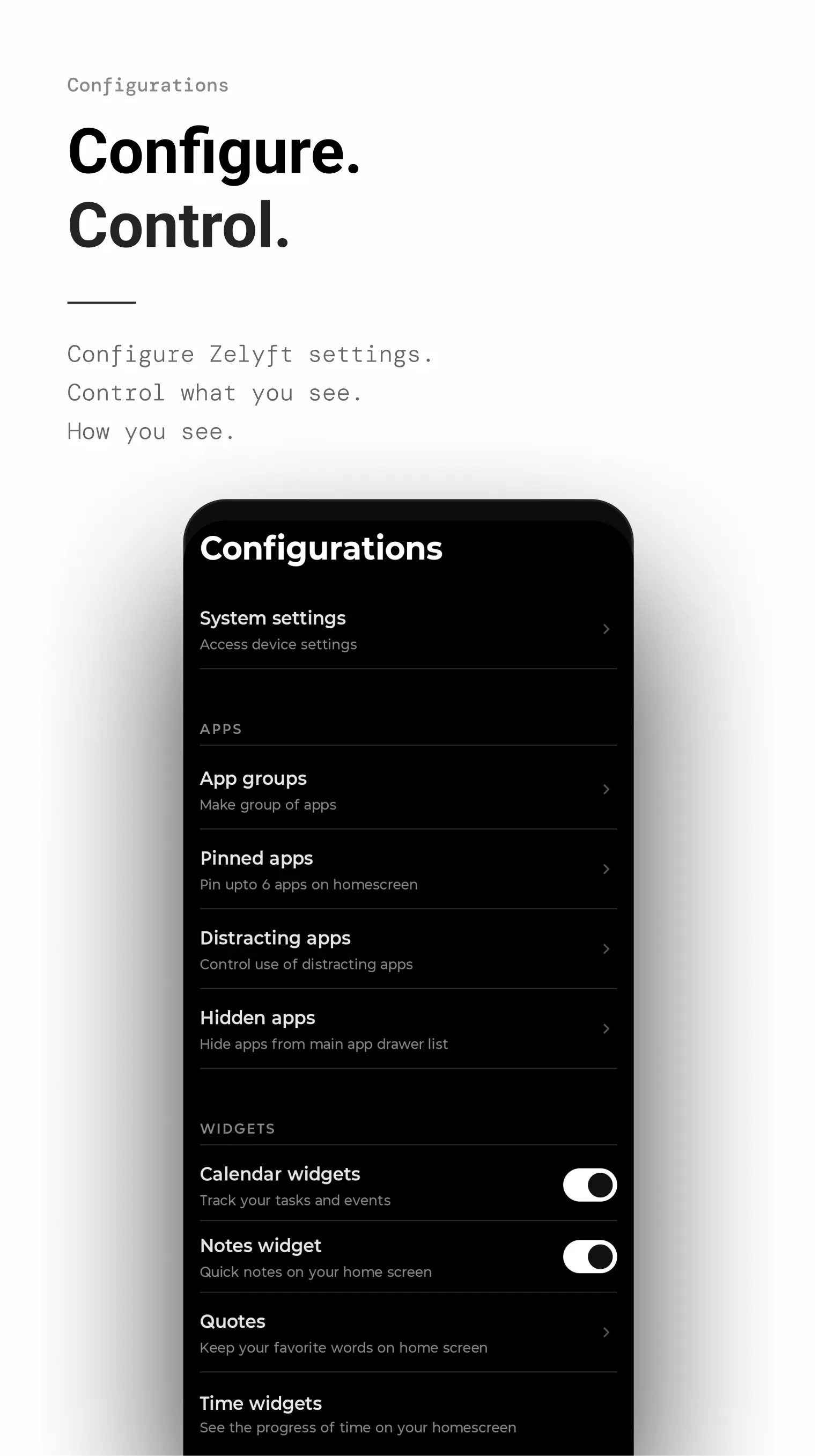
Your home screen, doing more. Zelyft's built-in monochromatic widgets keep you productive without any visual distraction.
Calendar — Notes — Quotes — more coming…
Feature 03
Time progress widgets. Every unlock is a quiet reminder to spend your finite minutes with intention.
Everything included
01
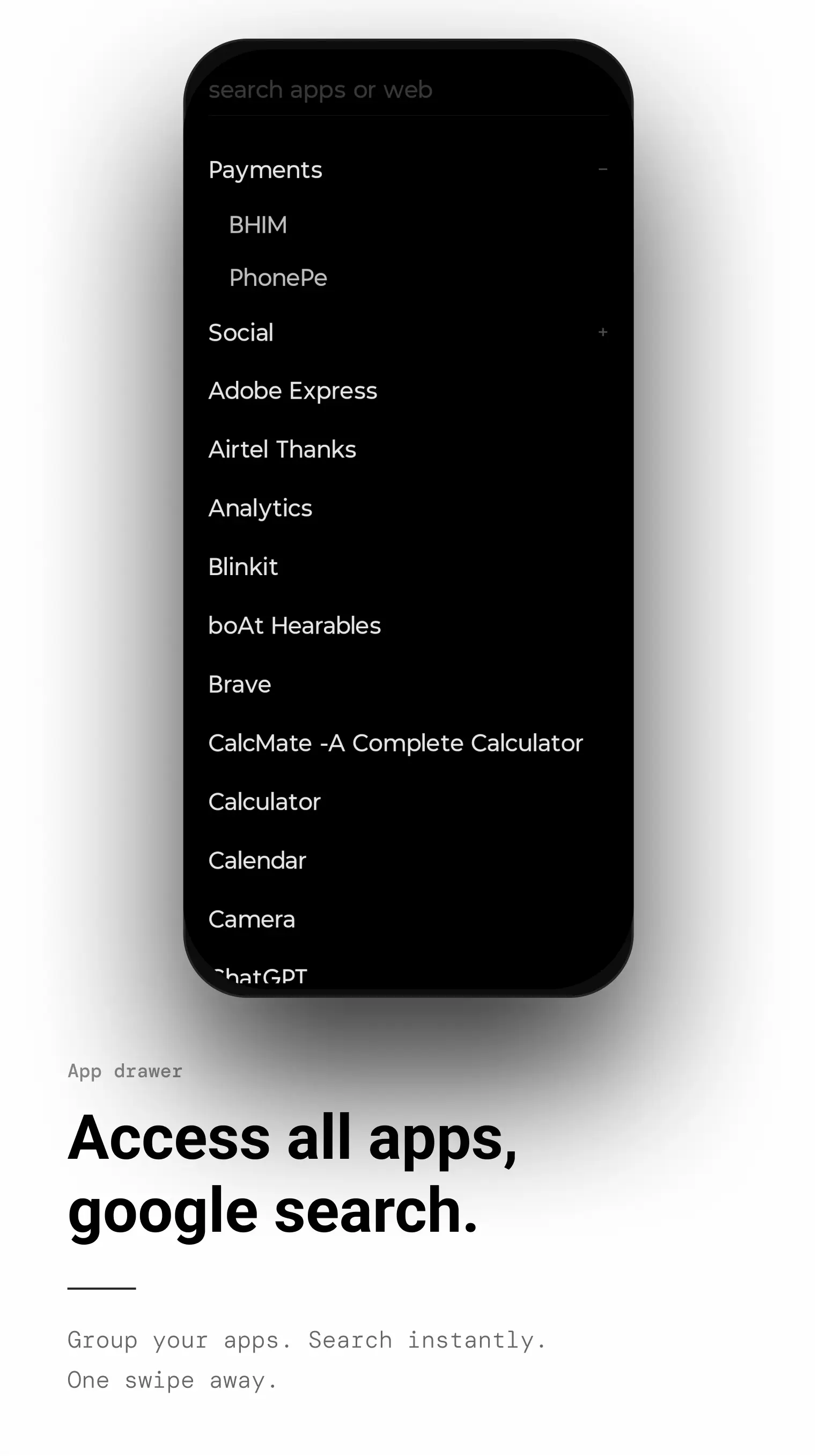
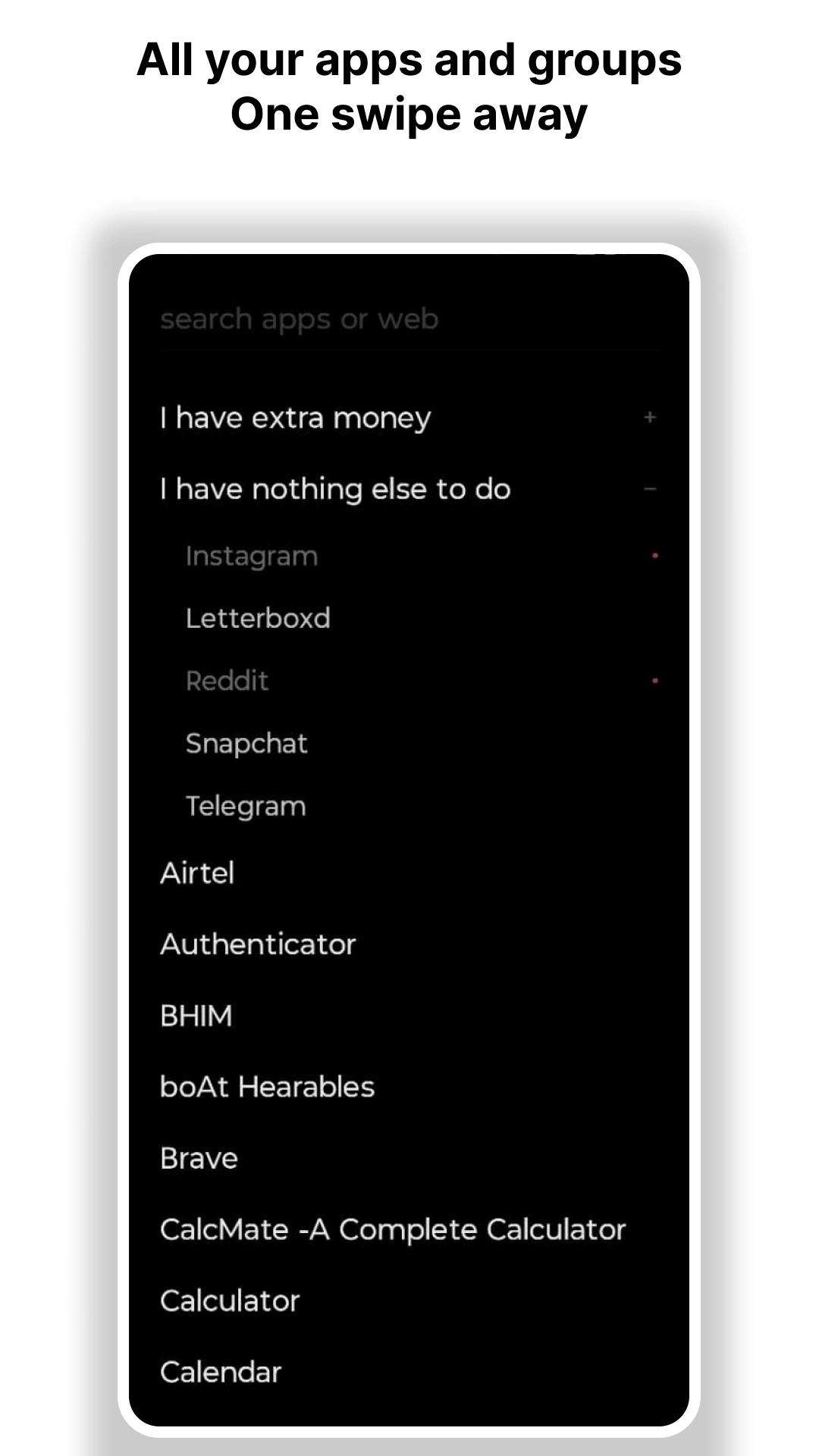
Limit your focus. Everything else lives in a simple list, just a swipe away.
02
Built-in task and event managers. More specialized widgets with every update.
03
No colorful hooks. No visual stimulation. Just the function you need.
04
22-second breathing sessions break the habit loops of addictive apps.
05
Less than 10 MB. Zero background services. Maximum battery efficiency.
06
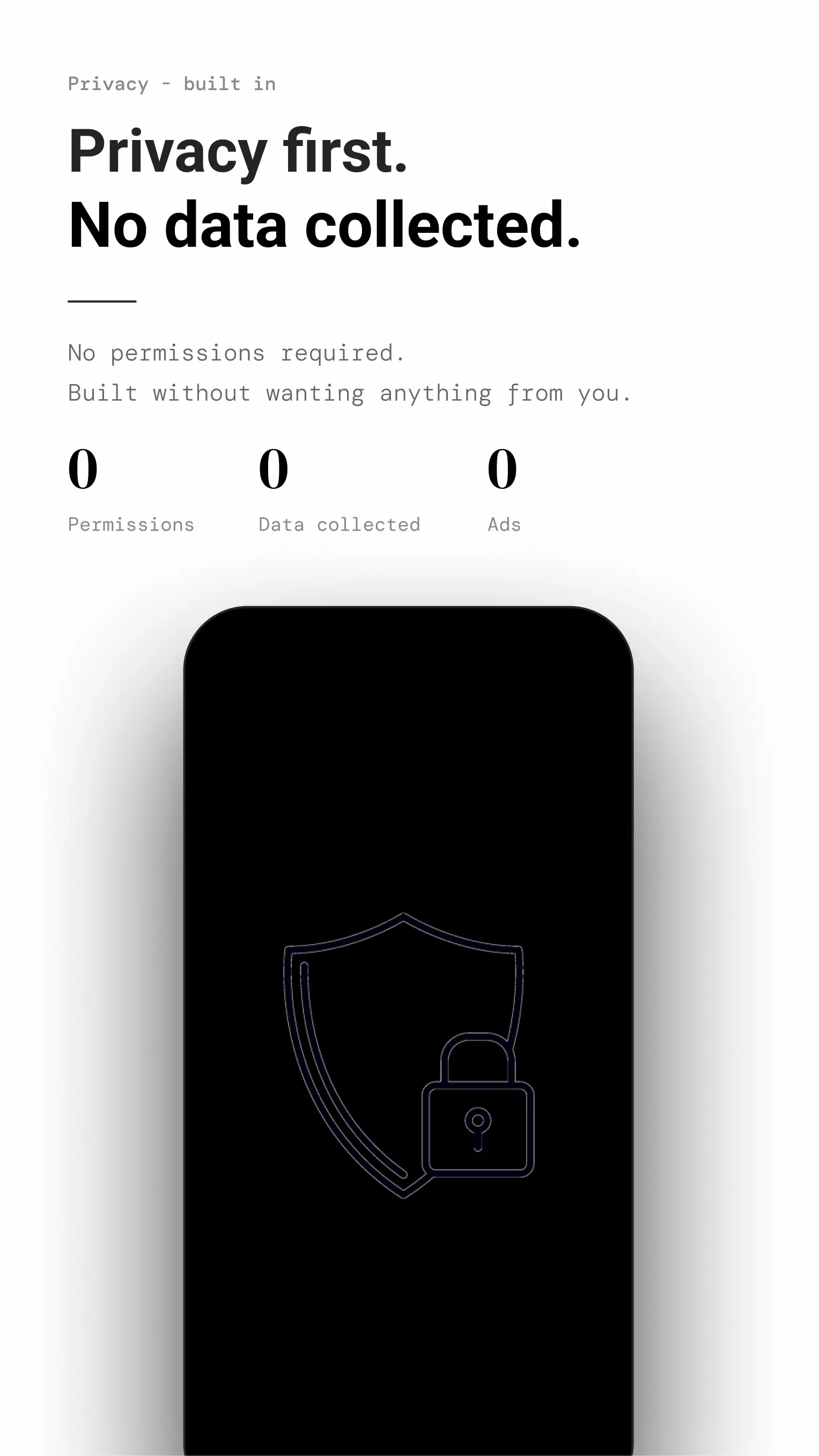
No permissions requested. Your data never leaves your device.
Aesthetics of Silence
Architecture, not just policy
The product demonstrates the values.
Common questions